Welcome to Ake, a safety and behaviour support app designed for integration with Family Violence Intervention Programs. The purpose of Ake is to support facilitators and their programs as they work with participants to disrupt abusive behaviours. It is available to download on iOS and Android devices.
With the Ake app, participants of a family violence program have access to videos, worksheets, safety tips and more, covering a wide range of intervention and safety topics. The goal is to prime participants for your program sessions by introducing them to ideas supporting their journey towards positive change while keeping the pressure on reducing risk and disrupting abusive patterns.
Program staff can utilise the in-app tools to maximise outcomes for their program participants. For example, Staff are given accounts with special permissions called ‘Coach’ accounts, which can send notifications directly to a participant’s device, create group or coach-to-user discussions using the in-app messaging feature (Discussions), and monitor User activity in the app.
The primary content in Ake’s library is delivered in an article format. We have provided various ways for participants to consume an article in Ake, listed below:
This is the recommended way for a User to engage with the article's content.
At the top of an article, there will be a video player containing a video summary of the whole article. Closed captioning is available for all videos and can be turned on by pressing the CC button on the play bar.
You can read the full article in the video below. The articles are written concisely, with only slight differences from the wording used in the video.
Below the video and above the written article is an audio play bar. This will provide a word-for-word audio readout of the article below it.
<aside> <img src="/icons/light-bulb_gray.svg" alt="/icons/light-bulb_gray.svg" width="40px" /> Engagement is key: Ake has been designed with the intention that participants check into the app daily and choose one article from the list suggested by the app. The average length of time required to consume an article is 5 minutes. We recommend that staff develop strategies to help encourage participants to open the app every day between program sessions. Think of it this way - a simple 35 minutes a week could be the most significant investment your participant could make into family safety and well-being.
</aside>
When onboarding an organisation into Ake, program staff will be given login information with the Coach role assigned for them to access, and participants of your program will be given login information with the User role assigned.
The Coach role has the same level of access within Ake as a User role but with additional permissions, such as creating groups, creating discussions, creating push notifications, and accessing a page where they can view User activity.
Regarding privacy and security, Coaches cannot see the usernames, activities, or discussions of Users who are not assigned to them. Coaches are assigned to a User when the User accounts for your organisation were generated by Ake staff.
Users and Coaches can download the Ake app from their device's app store (App Store for iPhone, Google Play for Android) by opening the store and searching for Ake.
Anyone can download the Ake app to their device from the app store. However, valid login credentials are required to gain access to the app.
Any modern web browser can also access the Ake login screen by going to the following address: https://www.akeapp.com
<aside> <img src="/icons/light-bulb_gray.svg" alt="/icons/light-bulb_gray.svg" width="40px" /> For places with restricted or firewalled internet access, you may need your I.T. administration to allow access to the website for Ake to function.
</aside>
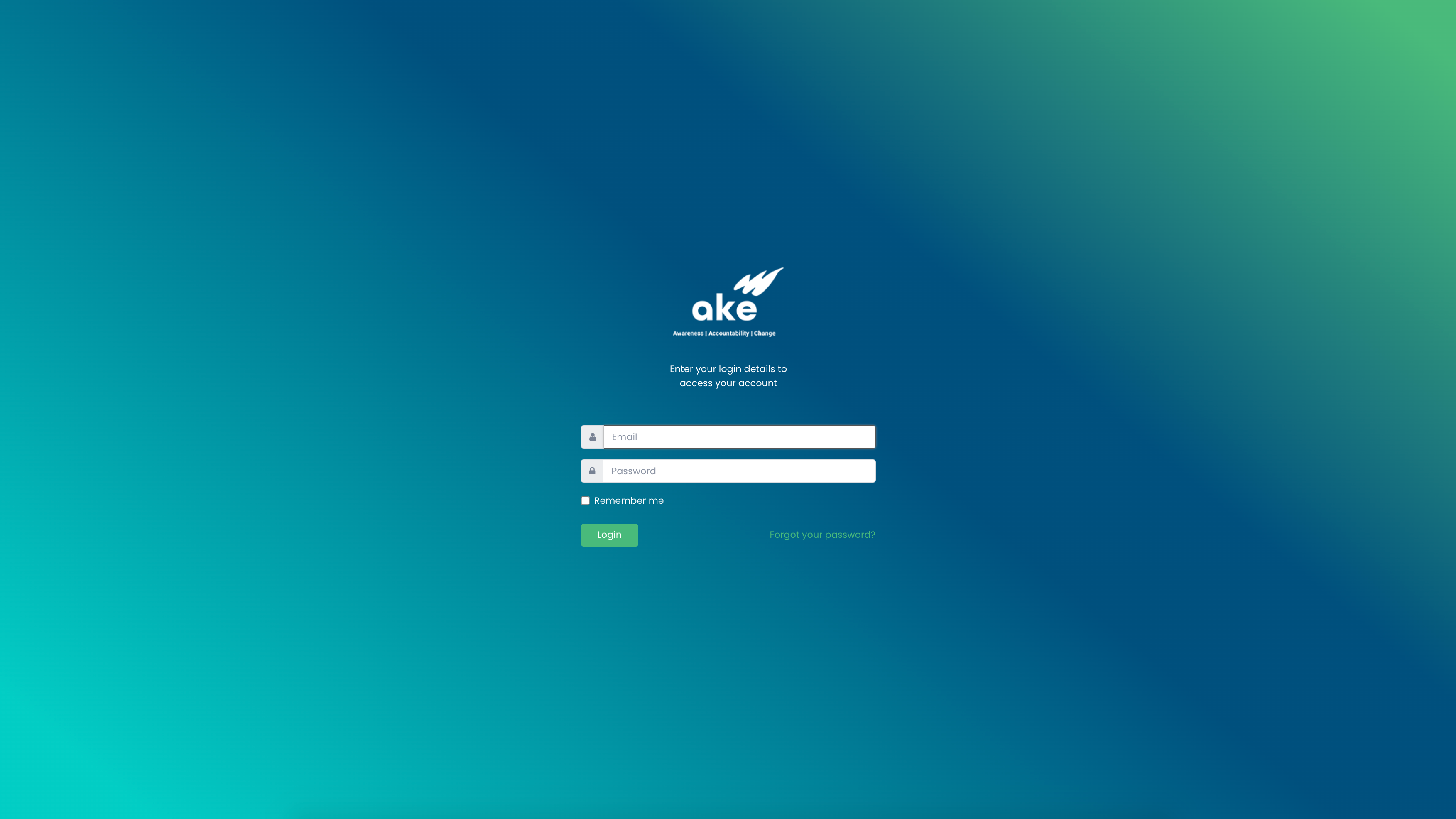
The login screen for both the Ake app and website.
The following is a step-by-step process of Ake's intended daily usage by family violence program participants. We recommend that program staff become familiar with this process to introduce participants to the app and teach them how to use it.
Finally, check out the rest of the articles on this website for more information about features accessible by the Coach role.